Imagine you're midway through a long holiday drive, and your daughter asks to play Roblox on your work laptop—the one packed with sensitive client files, financial records, and crucial business access. You're drained from travel prep, facing hours more on the road, and keeping her entertained seems like the easiest choice. But is it really safe?
Travel during the holidays poses unique cybersecurity risks you rarely encounter at home. Distractions, fatigue, connecting to unfamiliar networks, and mixing family fun with quick work check-ins can leave your data vulnerable. Whether your trip is for business, leisure, or both, here's how to safeguard your information without putting a damper on the festivities.
Pre-Trip: Your 15-Minute Security Tune-Up
Spend just 15 minutes before departure to secure your devices:
Device Essentials:
- Install the latest security updates promptly
- Back up vital files safely to the cloud
- Set automatic screen lock with a maximum two-minute idle time
- Enable "Find My Device" on all phones and laptops
- Fully charge your portable power bank
- Bring your own charging cables and adapters to avoid dependencies
Family Device Guidelines:
- Clearly communicate which devices are off-limits for children
- Prepare a dedicated family tablet or secondary device for entertainment
- Create restricted user profiles on laptops if kids must use them
Pro tip: If children need screen time, pack a tablet unlinked from work accounts. This affordable precaution can prevent costly security breaches.
Hotel WiFi: Beware of Common Mistakes
Upon hotel check-in, everyone connects their gadgets to the WiFi—streaming, browsing emails, or finishing work tasks. But here's the catch: hotel networks are shared spaces where other guests may have malicious intent.
Real-life caution: A family unknowingly joined a fraudulent WiFi network mimicking the hotel's, exposing passwords, payment details, and emails for days.
How to protect yourself:
Confirm the exact network name with the front desk to avoid imposters.
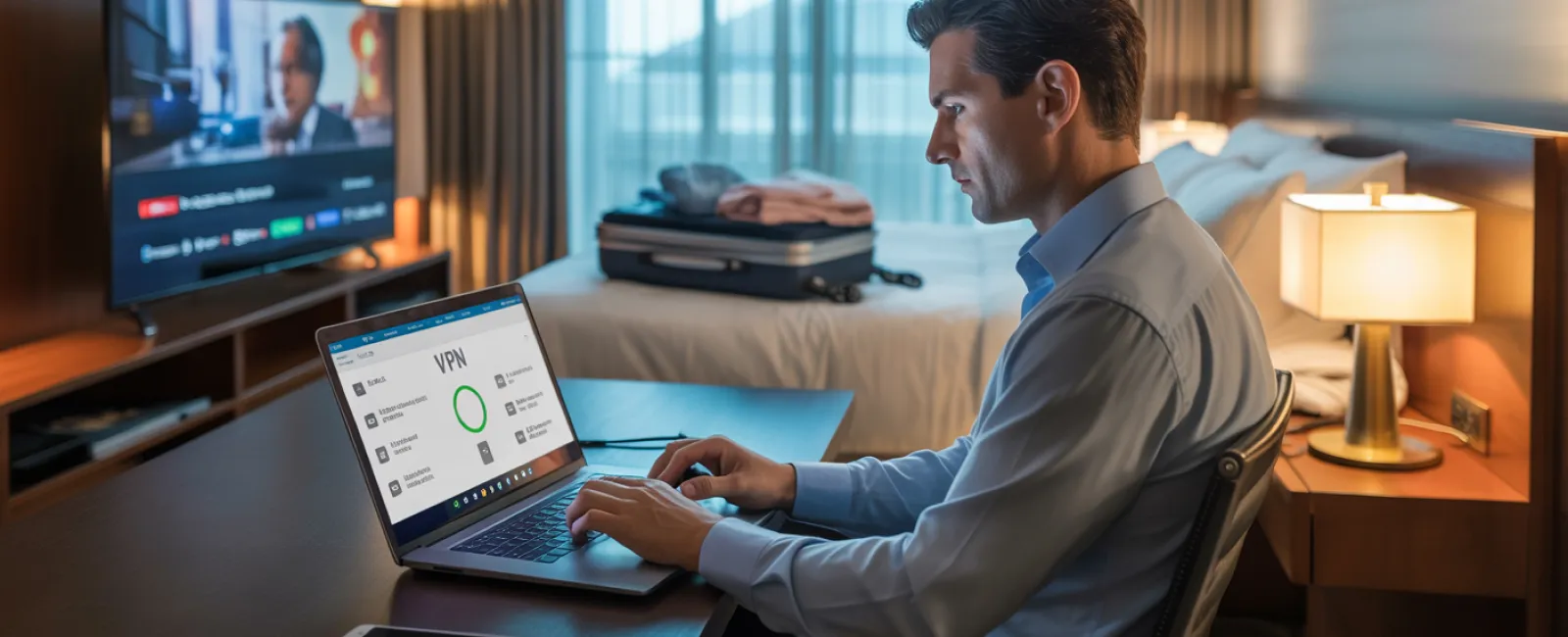
Use a VPN when accessing work resources to encrypt your data and safeguard confidential information.
Prefer your phone's hotspot for sensitive transactions, like banking or client data, rather than hotel WiFi.
Keep entertainment and work separated: Let kids stream cartoons on hotel WiFi, but manage work tasks via your secure hotspot.
The "Can I Use Your Laptop?" Dilemma
Your work device grants access to critical emails, financial accounts, and company systems, while your kids want to watch videos or chat online.
Why it matters: Kids may accidentally download malware, click unsafe links, share passwords, or leave accounts logged in—posing serious security risks despite innocent intentions.
How to handle it:
Politely decline sharing your work devices. Offer a different device specifically for their use.
If sharing is unavoidable:
- Set up a separate user account with limited permissions
- Supervise their activities closely
- Prevent downloads entirely
- Avoid saving passwords on the device
- Clear browsing history after use
Even better: Travel with a dedicated family gadget—an older tablet or laptop disconnected from work accounts works perfectly.
Streaming on Hotel TVs: Don't Forget to Log Out
Want to watch Netflix in your hotel room? Beware of logging into accounts on shared smart TVs. Forgetting to log out can leave your accounts open for the next guest to misuse.
Risks include: Unauthorized access to your Netflix account, and if passwords overlap with other services (please don't!), potential further breaches.
Preventive measures:
- Use your personal device and cast content safely to the TV
- Set phone reminders to sign out before checkout if you must log in
- Better yet: Download shows beforehand and watch offline to skip hotel TVs altogether
Avoid logging into the following on hotel TVs:
- Banking applications
- Work-related accounts
- Email services
- Social media platforms
- Any account containing stored payment information
Lost Device? Act Fast
Holiday chaos often leads to lost gadgets—left behind in taxis, airports, or hotels. If your device goes missing, immediate action is crucial.
Within the first hour:
- Activate "Find My Device" to pinpoint its location
- If retrieval fails, remotely lock the device immediately
- Change passwords on all critical accounts from a secure device
- Alert your IT department or managed service provider to revoke system access
- Notify affected clients or partners if sensitive data was stored
Essentials your device should have before traveling:
- Remote tracking capabilities enabled
- Strong, complex password protection
- Automatic encryption of stored data
- Ability to remotely wipe data if necessary
If a family member loses a device, apply the same protocol promptly: lock, locate, and update passwords.
The Hidden Danger of Rental Car Bluetooth
Connecting your phone to a rental car via Bluetooth might seem convenient, but it can store sensitive personal data—contacts, call logs, even text message snippets—that remain accessible to the next driver.
Quick steps before returning the car:
- Remove your phone from the car's Bluetooth device list
- Clear recent navigation destinations from the GPS
- Better yet, avoid pairing altogether or use an aux cable for audio
Balancing Work and Vacation: Set Clear Boundaries
Trying to juggle work and family during the holidays is tough. Checking emails frequently, taking calls on the fly, and squeezing in work amid leisure can lead to risky mistakes, like clicking unsafe links or connecting to insecure networks.
To protect yourself:
- Limit work email checks to twice daily at scheduled times
- Use your phone's secure hotspot for work-related tasks rather than hotel WiFi
- Conduct work inside private hotel rooms, avoiding public areas where screen visibility is high
- Be mentally present during family activities instead of multitasking
Ultimately, the best cybersecurity practice during holidays is to fully unplug. Your business won't fall apart in a week, and you'll return more vigilant and refreshed.
Adopting a Smart Holiday Travel Security Mindset
Realistically, mixing work and family during travel is complex. Kids sometimes need access to your devices, and urgent emails can't always wait. The aim isn't flawless security, but rather conscious risk management:
- Prepare your devices meticulously before departure
- Recognize risky activities (like banking on hotel WiFi) vs. safer alternatives (using your mobile hotspot)
- Separate work data from family usage where possible
- Have a clear plan for incidents
- Know when to firmly say, "Not on this device," and truly stick to it
Enjoy a Safe Holiday Without Compromise
Holidays are meant for cherished moments with loved ones—not scrambling after a data breach or explaining security failures to clients.
A bit of foresight and straightforward rules will shield your business and let everyone enjoy their vacation. Your family gets quality time, your company stays secure, and peace of mind prevails.
Need expert guidance on travel security policies for your team and yourself? Click here or give us a call at 919-741-5468 to book a free 15-Minute Discovery Call with us.We'll help you create practical policies that protect your business without making travel impossible.
Remember: the best holiday memories don't involve stories about a hacked laptop!